Creating IT Talent Since 2005|ISO Certified & Government Approved IT Institute

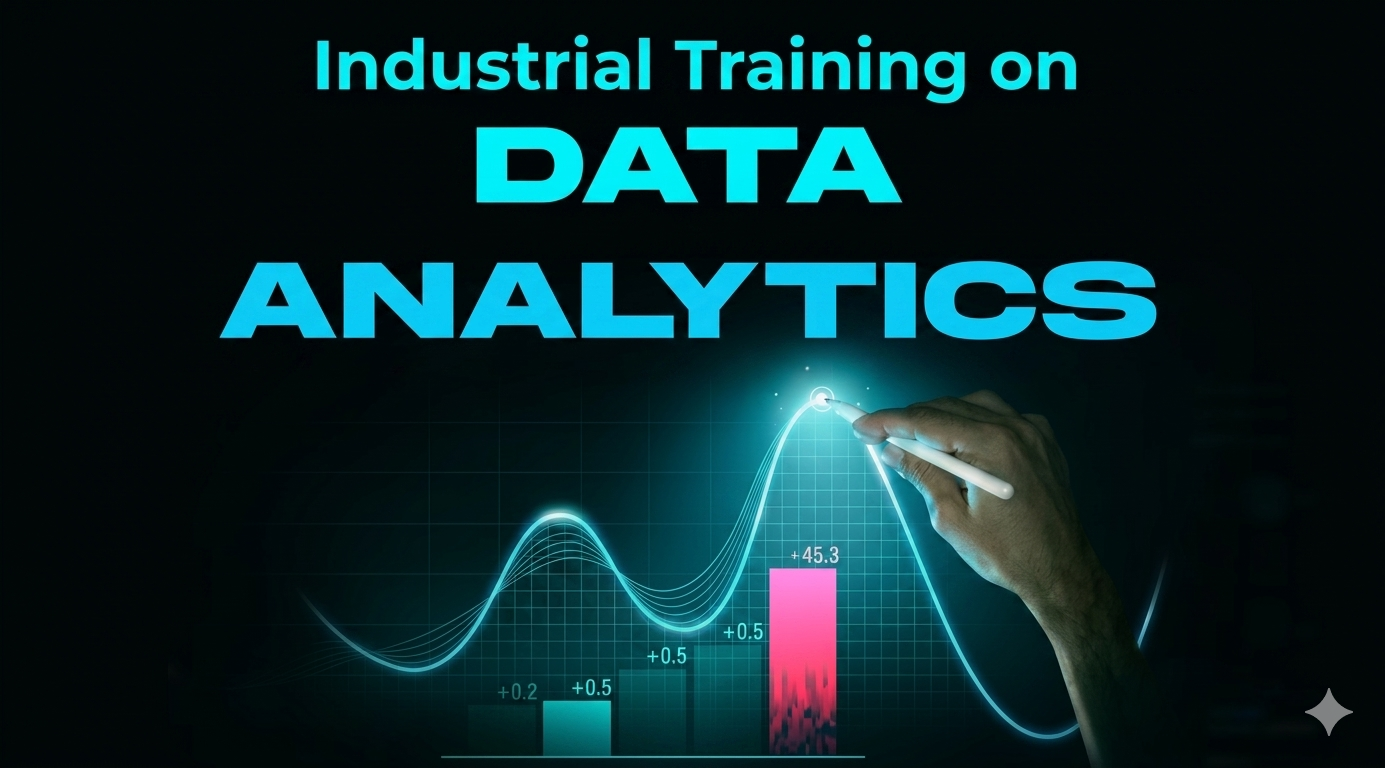
Unlock your data potential with our hands-on Data Analytics with Power BI course. Designed for beginners, this practical program covers Excel, SQL, Power BI, and AI tools to help you transform raw data into actionable business insights. Through real-world projects, you’ll learn data cleaning, visualization, dashboard creation, and business intelligence strategies to boost your career in data analytics.
Detailed breakdown of what you will master
This comprehensive course is designed to transform aspiring data professionals into skilled data analysts by equipping them with actionable knowledge of Excel, SQL, Power BI, and AI-powered analytics. Through a hands-on, project-based learning approach, students will master core data handling, business intelligence, and visualization techniques, crucial for real-world business decision-making.
Starting with the fundamentals of data analytics and Excel operations, the course delves into advanced formula integrations, dynamic pivot tables, Power Pivot data modeling, and DAX calculations. Learners will also gain expertise in data cleaning using Power Query, building interactive business dashboards, and leveraging SQL for data extraction and analysis.
As the program progresses, participants will be introduced to cutting-edge AI features in Excel and Power BI, preparing them for the future of data analytics. By the end of the course, learners will be confident in transforming raw data into actionable insights, presenting professional dashboards, and contributing to data-driven business strategies.
Prerequisite
Basic Computer Skills: Familiarity with operating systems (Windows/Mac), file management, and internet usage.Fundamental Understanding of Spreadsheets (Optional but Helpful): Some experience with Microsoft Excel or Google Sheets will be helpful but not mandatory.
Logical Thinking and Problem-Solving Skills: A willingness to approach problems methodically and think critically.
No Prior Experience with SQL, Power BI, or Data Analytics Required: This course is designed to take you from beginner to professional level, step-by-step.
Learning Outcome:
By the end of this course, you will be able to:
-Understand the fundamentals of data analytics.
-Master Excel for advanced data handling and business formulas.
-Perform data cleaning, transformation, and modeling with Power Query and Power Pivot.
-Build dynamic dashboards and reports using Excel and Power BI.
-Write SQL queries for data extraction and analysis
7 Modules carefully structured for step-by-step mastery
Part 1:
● Introduction to Data Analytics
● Component of Data Analytics
● Tools need to be a Data analyst
● Scope of a Data Analyst
● Why Data Analyst
● Cell formatting: Copy, Cut and Paste
● Formatting Shortcut
● Text function (Join and Split)
● Freezing Panes
Part 2:
● Cell referencing (Relative vs absolute)
● Self-Finance handle in Excel
● Conditional formatting
● Data Structure: Shorting and Filtering
● Customizing header and footer
● Using Print area and print related tutorial Excel
Industry standard software and technologies taught in this course


Real engineers working in top global technology companies

Data Analytics Faculty

Data Science Specialist & Faculty
Hear what our graduates say about their training experience
“এই কোর্সের মাধ্যমে আমি ডেটা অ্যানালিসিস এবং প্র্যাকটিক্যাল টুলগুলো গভীরভাবে শিখেছি। লাইভ ক্লাস, প্রজেক্ট এবং এক্সপার্ট গাইডলাইন আমাকে আত্মবিশ্বাসী করে তুলেছে। কোর্সের সাপোর্ট টিম সবসময় আমার প্রশ্নের উত্তর দিয়েছে, যা শেখার অভিজ্ঞতাকে আরও উন্নত করেছে।”

PeopleNTech Graduate
কোর্স সম্পর্কিত সাধারণ প্রশ্নাবলী ও সঠিক উত্তর
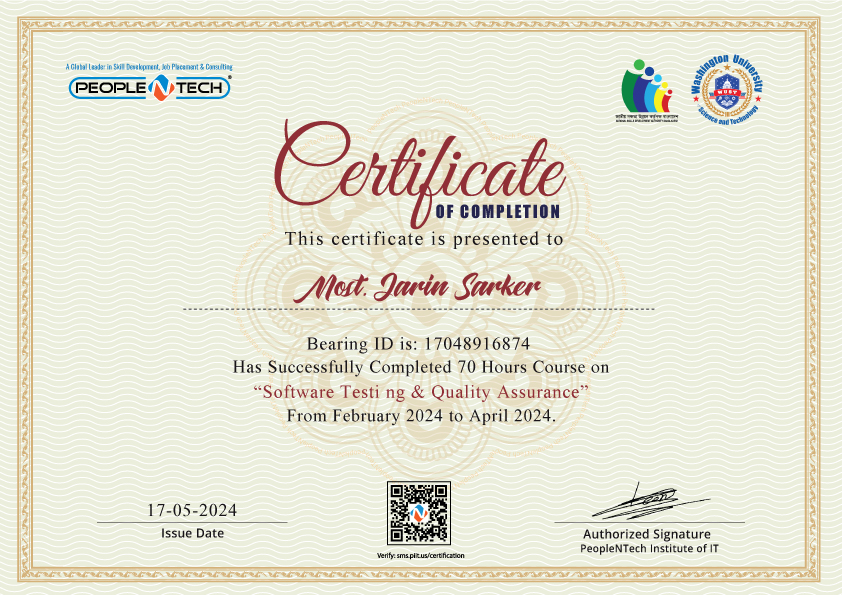
Validate your technical expertise upon successful project submission and assessment. Showcase your verified credentials to employers worldwide.
Other popular programs you might be interested in