Facebook Pixel
  • Home
  • Course
  • Industrial Training on MCSA Windows Server 2022

Industrial Training on MCSA Windows Server 2022

Industrial Training on MCSA Windows Server 2022 focuses on hands-on skills in Windows Server installation, Active Directory, networking, virtualization, security, and server management. This course prepares learners for real-world IT infrastructure management and professional system administration roles.

Class - 28
Duration - 3 months
Projects - 0
Joined - 3698
Industrial Training on MCSA Windows Server 2022

1200020000

1200020000

Details About the course

This Industrial Training on MCSA Windows Server 2022 is designed to provide comprehensive, hands-on experience in managing and maintaining modern Windows Server environments. The course covers core topics such as Windows Server installation and configuration, Active Directory Domain Services (AD DS), Group Policy Management, DNS, DHCP, file and storage management, and network services.

Participants will also learn advanced skills including virtualization with Hyper-V, server security, backup and disaster recovery, remote access configuration, and troubleshooting techniques. Through practical lab sessions and real-world scenarios, trainees will gain the confidence to manage enterprise-level IT infrastructure efficiently.

This training prepares learners for professional careers in system administration, network administration, and IT support roles, equipping them with industry-relevant skills required in modern organizations.

Course Modules

Module-1 : Windows Server Installation & Deployment
Class - 2
Quiz - 0
Assignment - 0
Install Windows Servers in host and compute environments
  • Install, upgrade, and migrate servers and workloads. Determine Windows Server 2019 installation requirements. Determine appropriate Windows Server 2019 editions per workload
  • Install Windows Server 2022
  • Install Windows Server 2022 features and roles
Server Core & Admin Tools
  • Install and configure Windows Server Core Implementing Windows Server 2019 Admin Center
Image Management & Deployment
  • Create, manage, and maintain images for deployment. Plan for Windows Server virtualization
  • Update images with patches, hotfixes, and drivers
  • Install Roles and Features in offline images
  • Make a Bootable USB Flash Drive
  • Reset Administrator Password Server 2022
Module-2 : Active Directory Domain Services (AD DS)
Class - 2
Quiz - 0
Assignment - 0
Domain Controller Installation
  • Install and configure the domain controllers,  AD DS fundamentals
  • Install a new forest 
  • Add or remove a domain controller
  • Install AD DS on a Server Core installation
Users and Computers Management
  • Create and manage Active Directory users and computers.  Create, copy, configure, and delete users and computers
  • Implement offline domain join
  • Configure user rights
  • Perform bulk Active Directory operations
Groups and Organizational Units
  •  Create and manage Active Directory groups and organizational units
  • Create and manage groups
  • Create and manage OUs 
  • Delegate management of Active Directory with groups and OUs
Module-3 : Active Directory Security & Maintenance
Class - 2
Quiz - 0
Assignment - 0
Authentication & Account Policies
  • Configure service authentication and account policies
  • Configure account policies
  • Configure and apply Password Settings Objects
  • Delegate password settings management 
Maintain Active Directory
  • Maintain Active Directory
  • Manage Active Directory offline
  • Active Directory backup and recovery
  • Manage Read-Only Domain Controllers
  • Managing AD DS replication 
Module-4 : Group Policy Management
Class - 4
Quiz - 0
Assignment - 0
GPO Management
  • Create and manage Group Policy Objects
  • Configure multiple local Group Policies
  • Overview of domain-based GPOs
  • Manage starter GPOs
  • Configure GPO links
  • Back up, restore, import, and copy GPOs
  • Create and configure a migration table
  • Reset default GPOs
  • Delegate Group Policy management
  • Detect health issues using the Group Policy
  • Infrastructure Status dashboard 
Group Policy Processing
  • Configure Group Policy Processing: Configure processing order and precedence
  • Configuring inheritance
  • Configure security filtering and WMI filtering
  • Configure loopback processing
  • Configure and manage slow-link processing and Group Policy caching
  • Configure client-side extension behavior
  • Force a Group Policy update
Group Policy Settings
  • Configure Group Policy settings
  • Configure software installation
  • Configure scripts
  • Import security templates
  • Configure folder redirection
  • Configure administrative templates
  • Configure Group Policy preferences
  • Configure item-level targeting
Module-5 : Storage Solutions
Class - 3
Quiz - 0
Assignment - 0
Disks and Volumes
  • Configure disks and volumes
  • Configure sector sizes appropriate for various workloads
  • Configure GUID partition table (GPT) disks
  • Create VHD and VHDX files using Server Manager or Windows
  • PowerShell
  • Mount Virtual Hard Disks (VHDs)
  • Determine when to use NTFS and ReFS File Systems
  • Configure NFS and SMB shares using Server Manager
  • Configure SMB share and session settings using Windows
  • PowerShell
  • Configure the SMB server using Windows PowerShell
  • Configure file and folder permissions 
Server Storage
  • Implement server storage
  • Configure storage pools
  • Implement simple, mirror, and parity storage layout options
  • Configure tiered storage
  • Configure the iSCSI target and initiator
  • Configure Datacenter Bridging (DCB)
Data Deduplication
  • Implement data deduplication
  • Implement and configure deduplication
  • Implement a backup and restore solution with deduplication

What you will learn

No Working Tools available.

Course Instructor

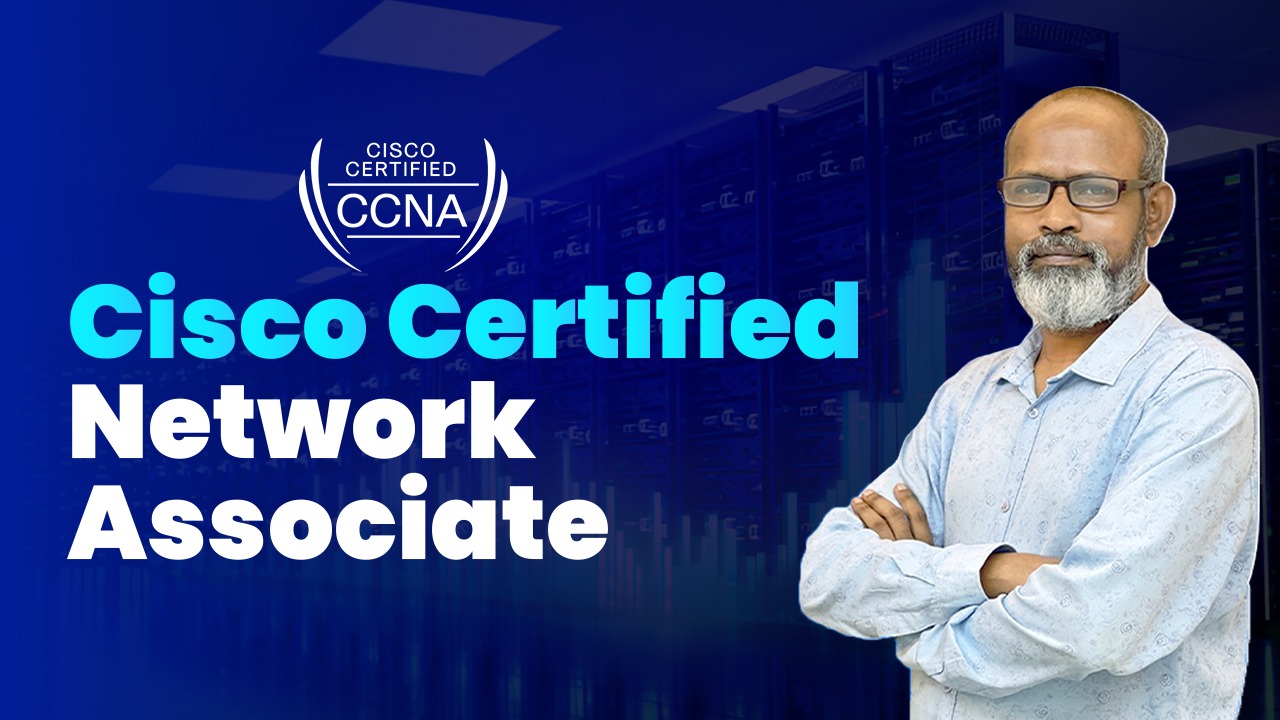
Quazi Mahmudul Huq

Quazi Mahmudul Huq

Senior Faculty, Network System Admin

Student Feedback

"Great IT training center in Dhaka! Professional instructors, practical courses, and a convenient Green Road location."

Rajib

Rajib

"এই কোর্সের মাধ্যমে আমি প্রফেশনাল স্কিলগুলো গভীরভাবে শিখেছি এবং ইন্টারভিউর জন্য সম্পূর্ণ প্রস্তুত হয়েছি। লাইভ সেশন, প্র্যাকটিক্যাল ক্লাস এবং রিয়েল-লাইফ প্রজেক্টগুলো আমাকে বাস্তব অভিজ্ঞতা দিতে সাহায্য করেছে।"

Mst. Nahar

Mst. Nahar

Frequently Asked Questions

প্রশ্ন-1 : কোর্স কোন সময় করবো? নির্দিষ্ট কোনো সময়ে ক্লাস হবে কি না?
আমাদের প্রতিটা কোর্সের আপকামিং সিডিউল দেওয়া আছে। আপকামিং সিডিউল দেখে আপনি ভর্তি কনফার্ম করতে পারেন অথবা আপনার ফ্লেক্সিবিলিটি অনুযায়ী কোর্স করতে পারবেন।
প্রশ্ন-2 : কোর্স শেষে কি কোন চাকরির সহযোগিতা পাওয়া যায়?
হ্যাঁ, PeopleNTech থেকে Job Placement ও Freelancing Support প্রদান করা হয়, যার মাধ্যমে দেশ-বিদেশে চাকরির সুযোগ পাওয়া যায়।
প্রশ্ন-3 : এই কোর্স অনলাইনেও করা যাবে কি?
না, এই কোর্সটি শুধুমাত্র অফলাইনে অফার করা হয়।
প্রশ্ন-4 : কোর্স Fee ও Installment পরিশোধের সুযোগ আছে কি?
হ্যাঁ, কোর্স ফি সম্পর্কে বিস্তারিত তথ্য ও Installment সুযোগ ওয়েবসাইটে বা অফিসে সরাসরি জানা যাবে।
প্রশ্ন-5 : কোর্সে কি প্র্যাকটিক্যাল ল্যাব সেশন রয়েছে?
হ্যাঁ, কোর্সে প্র্যাকটিক্যাল ল্যাব সেশন রয়েছে, যেখানে শিক্ষার্থীরা বাস্তব অভিজ্ঞতা অর্জন করতে পারে।

Course Certificate

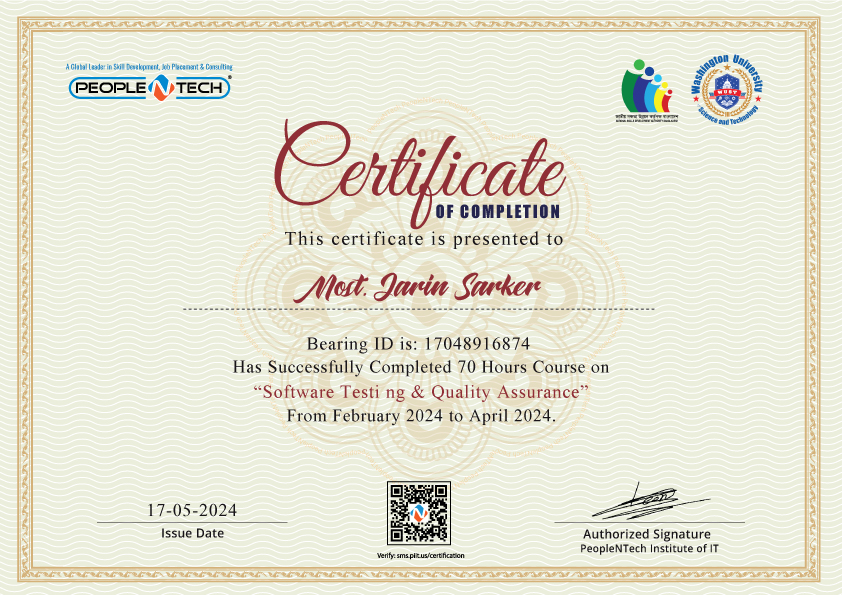
Get Course Completion and Assessment Certificate at the end of the course

Can add to your CV

You can share directly on your LinkedIn profile

You can share on Facebook with one click

Any more query?

Call For Any Information Regarding The Course. Our team is always ready to assist you with guidance, support, and detailed course information.

+880179-944-6655

09 AM to 09 PM

Course Features

26+ Live Classes

26+ Live Classes

Course duration is 3 months

Course duration is 3 months

Job Placement Support

Job Placement Support

Project & Practical-Based Training

Project & Practical-Based Training

Total 72 Hours

Total 72 Hours

image

আমাদের প্ল্যাটফর্মে রয়েছে বেশ কিছু ফ্রী কোর্স মডিউল!

image

Download the Guidelines for FREE!

কোর্সটি সম্পর্কে বিস্তারিত জানতে

ফোন করুন (0179-944-6655)

blur shape

Copyright © 2026 – PeopleNTech Institute of IT. All Rights Reserved

Industrial Training on MCSA Windows Server 2022