Creating IT Talent Since 2005|ISO Certified & Government Approved IT Institute

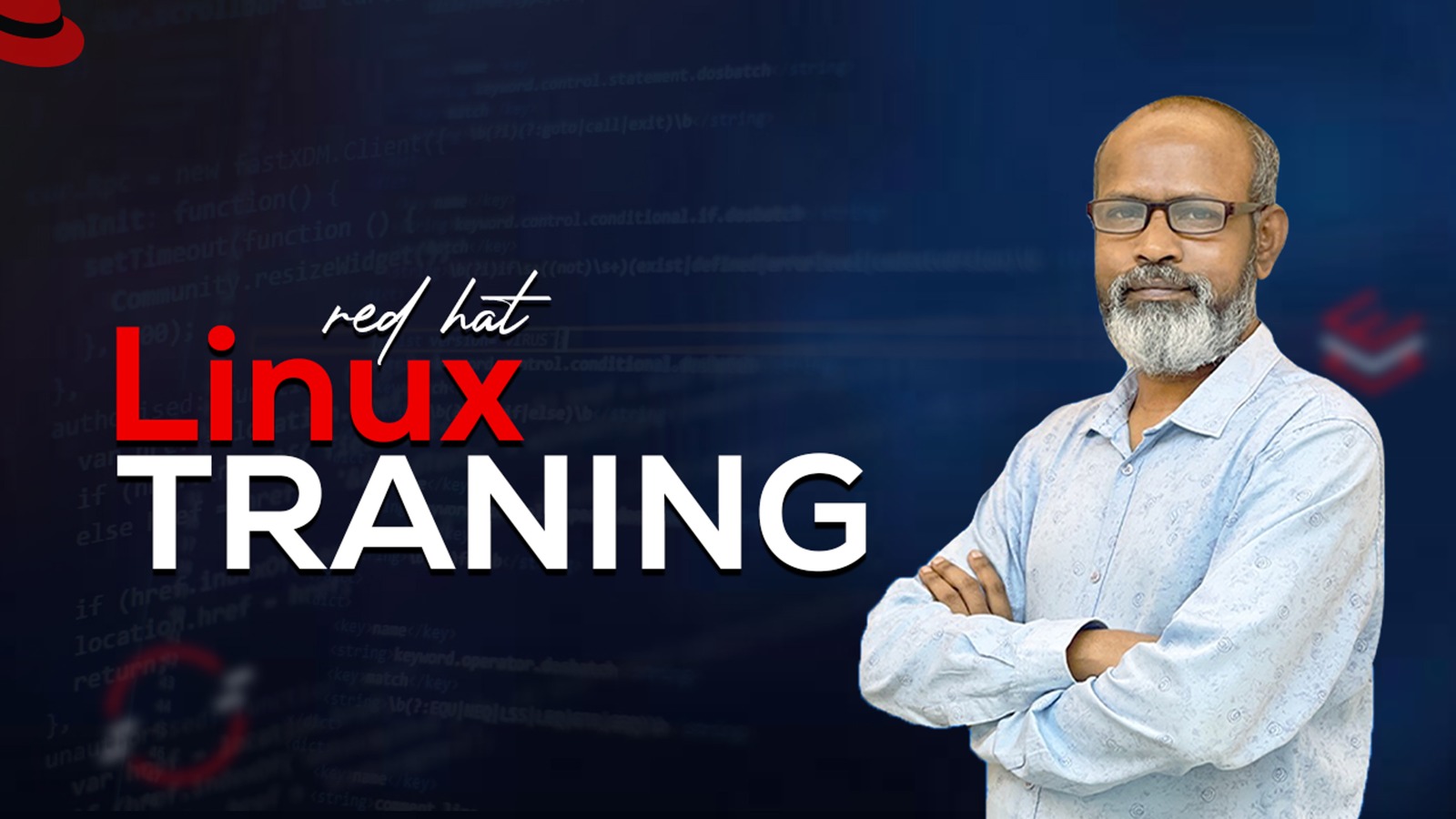
Red Hat Linux Training Course is a comprehensive, hands-on program designed to equip learners with essential Linux skills, from basic command-line operations to advanced system administration. Participants will gain practical knowledge in file management, user and permission control, networking, server configuration, automation with Ansible, web and database management, security, and containerization. The course prepares students for real-world Linux administration roles and industry certifications, ensuring they are job-ready in a professional IT environment.
Detailed breakdown of what you will master
The Red Hat Linux Training Course is a complete, hands-on program designed for individuals who want to build a strong foundation in Linux and become proficient in enterprise-level system administration. This course covers everything from the basics of Linux and command-line operations to advanced topics such as network configuration, server management, security, automation with Ansible, web and database administration, and containerization with Docker. Students will also gain practical skills in managing file systems, user accounts, permissions, services, processes, and scheduling tasks, making them ready for real-world IT environments.
The course is structured into 30 classes, with a midterm exam after Class 14 and a final exam at the end, ensuring systematic learning and assessment of skills. By the end of the program, participants will be capable of configuring and managing Linux servers, implementing security measures, automating system tasks, deploying web services, managing databases, and working with modern container technologies.
Career Opportunities:
This course prepares students for a wide range of career paths in IT, particularly in Linux system administration and related fields. Graduates can pursue roles such as:
Linux System Administrator
Network Administrator
DevOps Engineer
Cloud Administrator
Cybersecurity Analyst
Server Support Engineer
Database Administrator
IT Infrastructure Engineer
With hands-on training and industry-relevant skills, students will be well-positioned to work in IT companies, cloud service providers, data centers, and enterprise IT departments globally. Additionally, this course lays a strong foundation for pursuing Red Hat Certification (RHCSA/RHCE), further enhancing employability and career growth in the technology sector.
2 Modules carefully structured for step-by-step mastery
Class 1: Introduction & History of Linux
Class 2: Working with Linux Command Line Interface (CLI)
Class 3: Linux File System Hierarchy
Class 4: Managing Directories and Files
Class 5: Searching Strings with find, Keyboard Shortcut Commands
Class 6: Creating, Viewing, and Editing Text Files using VIM/Echo
Class 7: Creating Hard Links & Symbolic Links
Class 8: Managing Local Linux Users and Groups
Class 9: Searching Strings using GREP
Class 10: Archiving Files
Class 11: Rsync and Locate
Class 12: Linux File System Permissions Management
Class 13: Access Control Lists (ACL)
Class 14: Scheduling Future Tasks using Crontab, Monitoring & Managing Processes
Industry standard software and technologies taught in this course







Real engineers working in top global technology companies

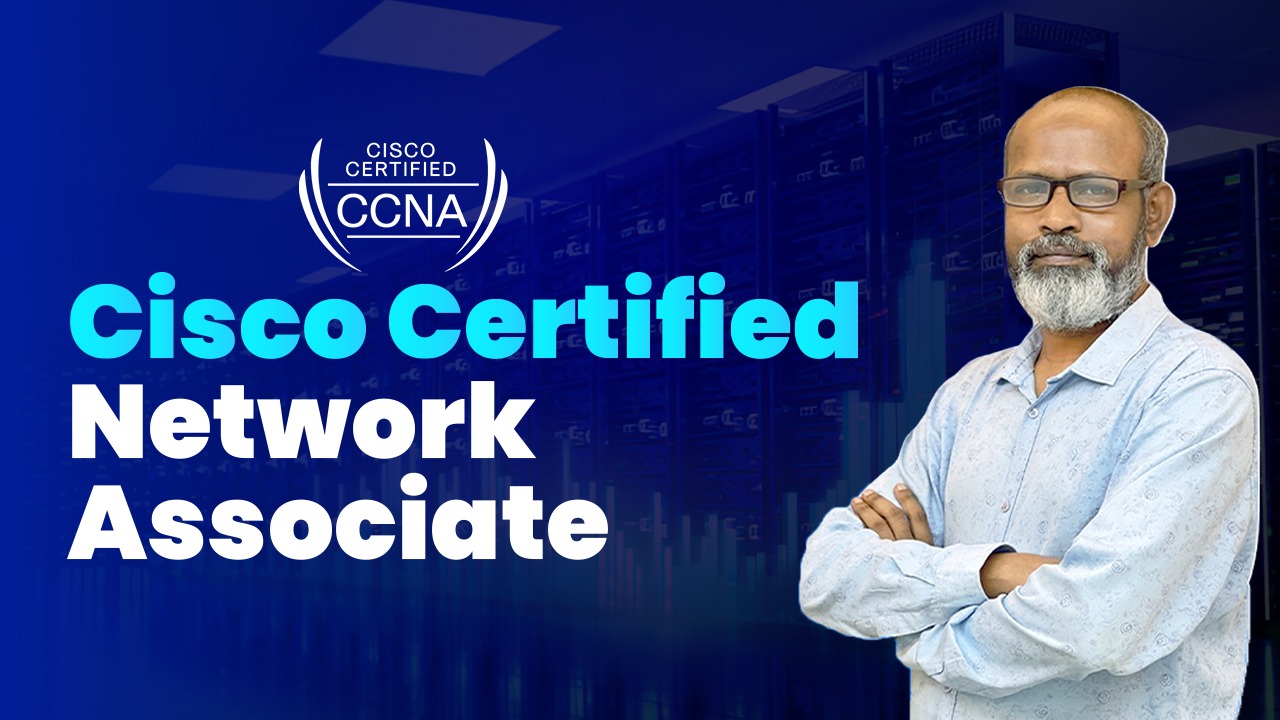
Senior Faculty, Network System Admin
Hear what our graduates say about their training experience
“The hands-on project work and one-on-one mentorship at PeopleNTech were crucial for my career transition. Highly recommended for real-world skill development!”

Software Engineer at Brain Station 23
কোর্স সম্পর্কিত সাধারণ প্রশ্নাবলী ও সঠিক উত্তর
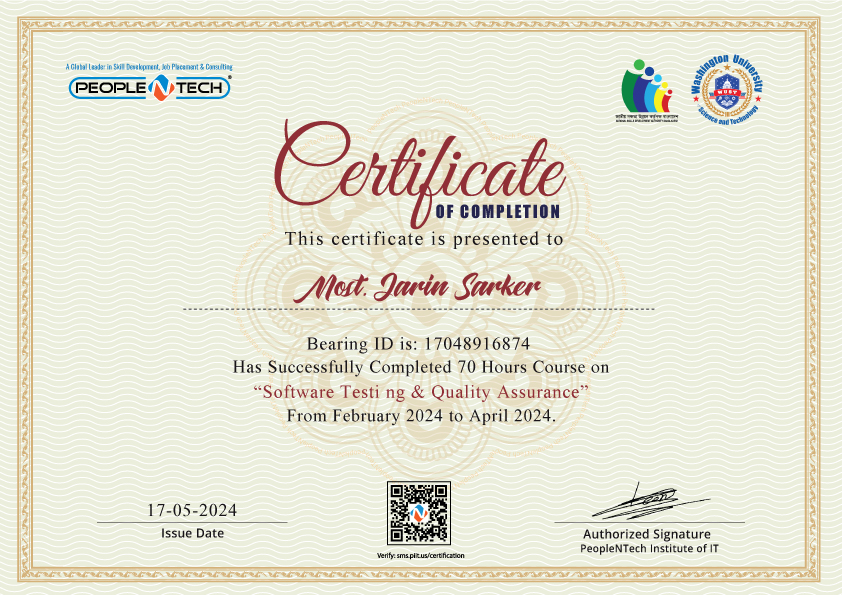
Validate your technical expertise upon successful project submission and assessment. Showcase your verified credentials to employers worldwide.
Other popular programs you might be interested in